
Build A Racetrack Player Tools & Checklists
Practical lists for cash goals, first-hour wins, and track quality.
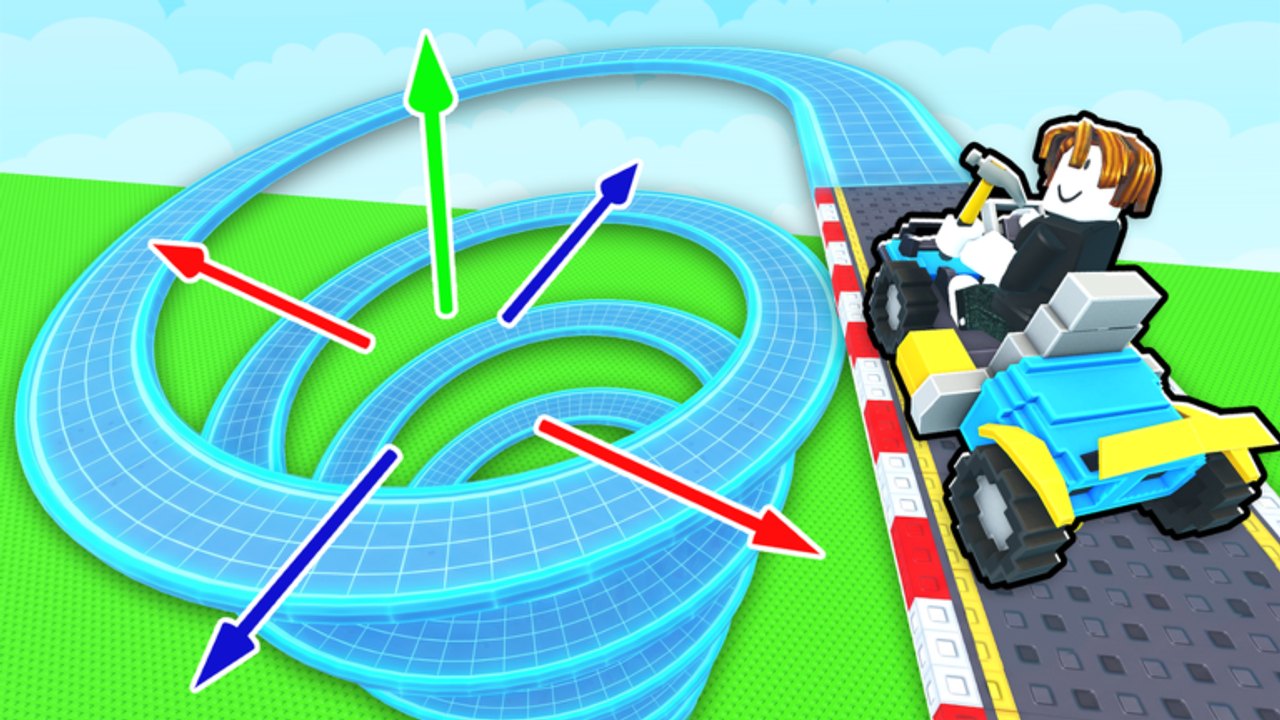
The Tools Hub turns Build A Racetrack advice into checklists you can run during a real Fun² Games session. No calculators required — just clear cash goals, a first-hour plan, and a track quality pass so you stop leaking time on broken jumps.
Detailed spending order: Cash Checklist. Strategy depth sits in Guides and Tier List.
First-hour checklist
Use this when you create a plot or return after a long break:
- Confirm you are on Fun² Games via Official Links.
- Redeem RELEASE for 5,000 Cash — Codes, How to Redeem.
- Finish tutorial prompts without skipping piece placement basics (Getting Started).
- Buy only enough straights/turns to close a tiny loop.
- Complete three clean laps on your own course.
- Race one peer track in the 6-player server (Players).
- Buy the first clear car earnings upgrade if affordable (Upgrade Cars).
- Add at most one loop or jump; retest immediately (Track Pieces).
- Log off with a working circuit so offline earnings can tick (How to Earn Money).
Cash goals (session targets)
| Goal | Why |
|---|---|
| Afford next car tier | Raises money per lap permanently |
| Keep a piece buffer | Lets you repair breaks without going broke |
| Avoid zero-cash rebuilds | Protects offline income continuity |
| Bank code rewards intentionally | 5,000 from RELEASE should not vanish on clutter |
Run numbers against the Cash Checklist before every shop visit.
Track quality checklist
Before you call a layout “done”:
- Start leads naturally into the first straight or turn
- No mandatory gap a starter car cannot clear
- Loops have adequate entry speed and exit space
- Jumps land on track, not void or wall
- You completed two consecutive laps without reset cheese
- A second player (or you on a peer join) can finish without local knowledge
- You still have cash reserved for the next car if payouts feel slow
Building craft: How to Build a Track.
Quick decision tree
- No closed course yet? Pieces first, cars second.
- Course works, cash slow? Car upgrade or peer-track farming.
- Cash fine, course boring/broken? Piece redesign, not another impulse car.
- Codes failing? Wrong game or typo — see Codes hub clone warning.
- Tempted by scripts? Read Script Safety before risking the account.
After updates
When Roblox shows a fresh Updated time on the place page, re-run the track quality list and skim Patch Notes. Tools stay useful even when exact prices change because they encode priority, not brittle numbers.
Print this page mentally at session start: redeem, close loop, race, upgrade, retest, log off clean. That rhythm beats random shopping every time.
Frequently Asked Questions
Quick answers to the most common Build A Racetrack questions.
What tools are included?
Checklists for the first hour, cash goals, and track quality, plus a dedicated Cash Checklist page for spending priority.
Should I buy cars or pieces first?
Close a raceable loop first, then buy the next earnings-focused car. The Cash Checklist spells out exceptions.
Do these checklists work after patches?
Yes — they focus on priorities. Re-check live shop prices after updates, but keep the same order of operations.
Where do I go for full guides?
Use the Guides Hub for long-form walkthroughs; Tools stays checklist-oriented.